Apple Releases visionOS 27 With Siri AI and New Spatial Experiences
Cronologia relatărilor
 Prima relatare14 sept., 17:02
Apple Releases visionOS 27 With Siri AI and New Spatial Experiences
Apple today released visionOS 27, the newest version of the visionOS operating system that runs on the Apple Vision Pro . It is a free update available on both versions of the Vision Pro headset. visionOS 27 can be downloaded by opening the Settings app, selecting the General section, and choosing Software Update. Installing the update requires the headset to be removed, and a progress bar appears EyeSight display. visionOS 27 adds support for Siri AI, a smarter version of Siri that can access your personal information and do more in and between apps. Siri supports Visual Intelligence for asking questions about objects on your screen or in your physical environment. The update adds a new spatial scene feature for panoramic photos, a Thórsmörk Environment, and immersive Safari environments on supported websites. Apple's release notes for visionOS 27 are below. Siri AI (Apple Vision Pro with M2 and later) - A more capable and conversational version of Siri is rolling out to users. It helps you find what you need and get more done, drawing on capabilities like personal context understanding, app actions, onscreen awareness, and access to broad world knowledge - Place Siri anywhere in your space and it stays pinned there, ready to help - Look and speak to Siri without saying "Hey Siri". Just look at Siri and start speaking - Dedicated Siri app provides an easy way to revisit an existing conversation or kick off a new one, and privately syncs conversations across your Apple products with iCloud - Visual Intelligence lets you ask Siri about physical objects in your room or content on your screen, just by looking at them - Write with Siri enables you to generate a draft from scratch, edit what you've written, or get feedback from Siri virtually anywhere you type - New voice experience offers more expressive voices, and lets you customize expressivity and pace to make Siri more personal to you using powerful on-device models on Apple Vision Pro (M5) Apple Intelligence across apps (Apple Vision Pro with M2 and later) Safari - Organize by Topic uses Apple Intelligence to automatically group your Bookmarks and Reading List by topic, so related pages are easier to find Image Playground - All-new Image Playground uses a new generative model to create high-quality images in virtually any style, including photorealistic, and lets you modify images using natural language Home - Summarized activity notifications combine related alerts across accessories into a single notification - Video descriptions for HomeKit Secure Video recordings summarize what's happening in a clip for eligible iCloud+ subscribers - Camera clip search lets you find specific moments from your HomeKit Secure Video cameras by searching in the Home app Spatial Experiences - Spatial scene panoramas transforms your panoramas into spatial scenes with depth and dimension - Personal Environments allows you to choose a panorama special to you and set it as your own Environment - Windows with curvature help you view content more comfortably in apps including Safari, Freeform, and Apple TV using Multiview - Spatial Preview with supported macOS apps lets you pull 3D models directly from Mac Virtual Display into your space to preview and edit at true scale, with changes reflected in real time - Quick Look enhancements let you visualize changes to 3D models in your space. Change materials, choose wireframes or UV maps, or add annotations - New Environment: Thórsmörk transforms your space into Iceland with two variations: a serene daytime river view and a dramatic night scene with aurora - Freeform spatial groups let you pull multiple items off your board and arrange them in your space, view objects together as a group, and organize boards into collaborative folders - Web environments in Safari render fully immersive 360° backgrounds that surround your physical space System Improvements - Faster Wi-Fi connection enables Apple Vision Pro to connect to Wi-Fi up to 3x faster after powering on - Look to see notifications lets you glance at a notification to expand it, and tap and hold to take action like replying to a message without opening the app - Improved Control Center shows notifications, playback controls, and Environments controls organized into three distinct areas for easier access - High quality recording gives you the ability to capture your unfoveated view in 4K, with full edge-to-edge sharpness for up to 3 minutes - Mirror in high resolution lets you check what you're actively recording on a different device or monitor in 4K - Messages syncing more quickly and reliably updates unread counts and notifications across your devices - New extra small widgets let you customize your space with your favorite apps - Mac Virtual Display widget connects to your Mac with a tap and can be placed anywhere in your space Accessibility - Look to Drive enables you to control a compatible powered wheelchair with your eyes by sending a movement command from Apple Vision Pro to a connected wheelchair accessory - Updated Dwell Control offers a new way to make selections using just your eyes by glancing at a selection marker above the dwell pointer to confirm instantly, instead of waiting for timer The customizable Siri voice requires the M5 Vision Pro, but all other features are available on both models. More information on visionOS 27 is available in our Vision Pro roundup . Related Roundup: Apple Vision Pro Tag: Siri Buyer's Guide: Vision Pro (Neutral) Related Forum: Apple Vision Pro This article, " Apple Releases visionOS 27 With Siri AI and New Spatial Experiences " first appeared on MacRumors.com Discuss this article in our forums
MacRumors•Juli Clover
 Continuare14 sept., 17:04
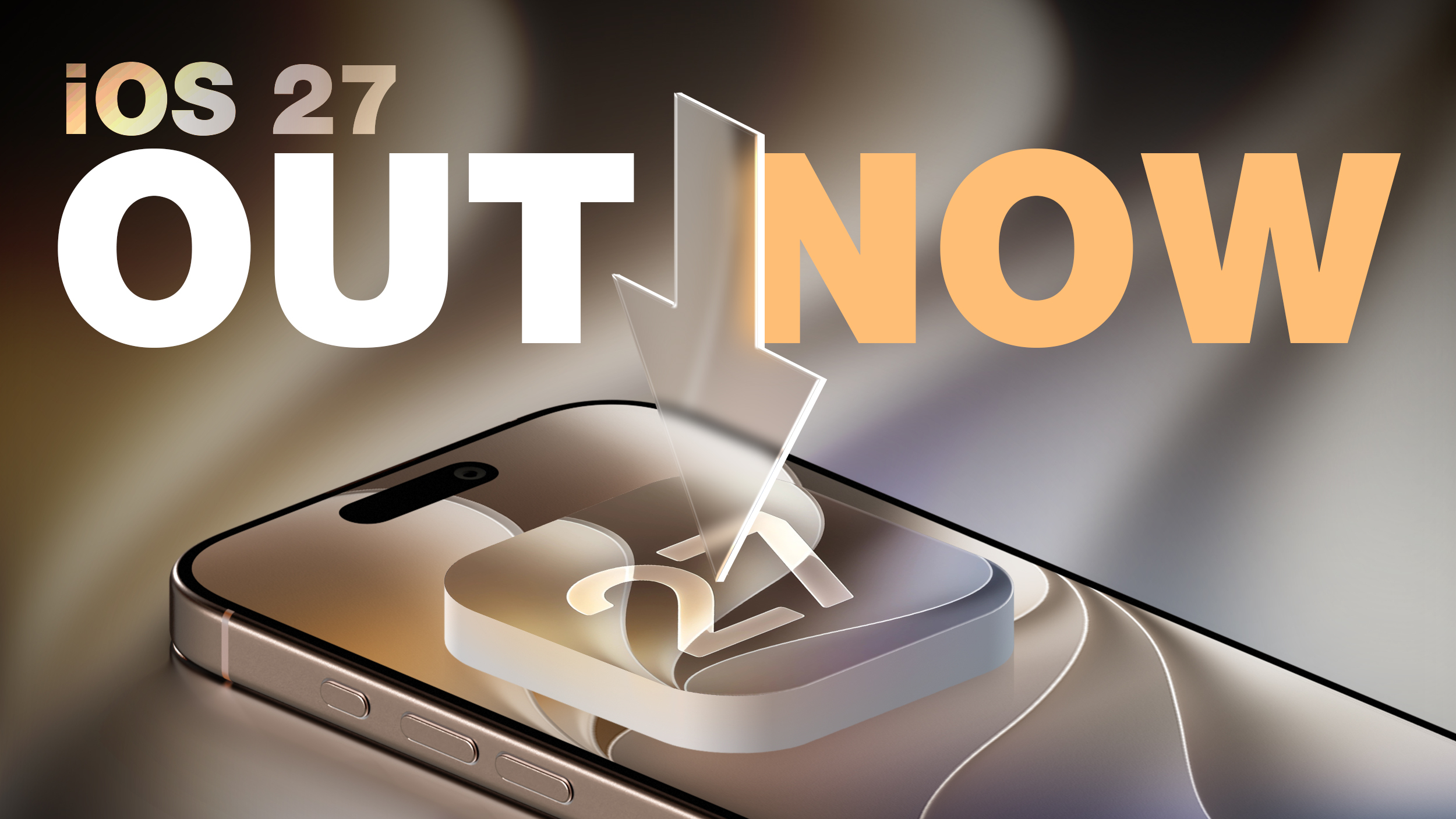
Apple Releases iOS 27 and iPadOS 27 With Siri AI and Liquid Glass Update
Apple today released iOS 27 and iPadOS 27 , the newest operating system updates for the iPhone and iPad . The software is available for free on all compatible devices, and can be downloaded over the air by going to Settings > General > Software Update. It can take several minutes for the updates to propagate to all users due to high demand on launch day. iOS 27 can be installed on all iPhones that run iOS 26 , which includes the iPhone SE 2 and the iPhone 11 series and later. iPadOS 27 is available on the 2nd-generation and later iPad Pro , 4th-generation and later iPad Air , 6th-generation and later iPad mini , and the A16 iPad. The updates introduce Siri AI, the smarter and more capable version of Siri. You may need to sign up to use Siri AI after updating, which you can do in the Settings app under the Siri section. Along with Siri AI and a dedicated Siri app, there are updates to the Liquid Glass design, and a long list of new Apple Intelligence features. To use the new AI features, you need an iPhone that supports Apple Intelligence, which includes the iPhone 15 Pro, iPhone 15 Pro Max, all iPhone 16 models, all iPhone 17 models, and all iPhone 18 models. For iPad, Apple Intelligence is available on M-series devices and the A17 Pro iPad mini. There are no fees for Siri AI and other Apple Intelligence features yet, but Apple may start charging for higher usage in the future. Apple's release notes for the update are below. Siri AI (All iPhone 16 models and later, iPhone 15 Pro, iPhone 15 Pro Max) - A more capable and conversational version of Siri is rolling out to users. It helps you find what you need and get more done, drawing on capabilities like personal context understanding, app actions, onscreen awareness, and access to broad world knowledge - New voice experience offers more expressive and natural-sounding voices, and lets you customize expressivity and pace to make Siri more personal to you using powerful on-device models on iPhone Air and iPhone 17 Pro models and later - Dedicated Siri app provides an easy way to revisit an existing conversation or kick off a new one, and privately syncs conversations across your Apple products with iCloud - Siri mode in Camera integrates Visual Intelligence into the Camera app, letting you ask questions and take action with what's in front of you, like splitting a bill or looking up nutritional info for a plate of food - Write with Siri enables you to generate a draft from scratch, edit what you've written, or get feedback from Siri virtually anywhere you type. In Messages & Mail, Siri personalizes your writing style based on your relationships, and uses unique phrases and punctuation that you've previously used in your conversations with those people Apple Intelligence across apps (All iPhone 16 models and later, iPhone 15 Pro, iPhone 15 Pro Max) Photos - Spatial Reframing lets you adjust the composition of a photo after it was taken by virtually changing the camera position - Extend tool intelligently expands images beyond their edges with realistic infill, so you can straighten horizons, change aspect ratios, or add more space around a subject - Clean Up supports removing even larger objects, with more realistic, high-quality results, and you can choose between Fast mode for small blemishes or High Quality for more intricate edits Safari - Organize by Topic uses Apple Intelligence to sort your tabs, analyzing webpages and automatically grouping similar tabs together - Notify Me can periodically check a webpage for updates, like price changes and item availability - Describe an Extension lets you create a custom extension using natural language to adjust your view of a website's content or formatting - All-new Image Playground uses a new generative model to make high-quality images in virtually any style, including photorealistic, lets you modify your images using touch and natural language, and lets you generate Lock Screen wallpapers and Contact Posters with personalized suggestions - Describe a Shortcut lets you use natural language to create a shortcut or refine an existing one Home - Summarized activity notifications combine related alerts across accessories into a single notification - Video descriptions for HomeKit Secure Video recordings summarize what's happening in a clip for eligible iCloud+ subscribers - Camera clip search lets you find specific moments from your HomeKit Secure Video cameras by searching in the Home app or Spotlight when on an eligible iCloud+ plan - Describe an event in Calendar lets you use natural language to create an event, and details like the time, location, invitees, and event title are filled in using Apple Intelligence - Suggestions in Mail help you take action based on the context of your emails, like getting directions to a restaurant you booked - Call Context in the Phone app understands when you're speaking to certain businesses and proactively surfaces relevant information from across your apps, like a confirmation code or a reservation number Accessibility - VoiceOver enhancements include more detailed and contextual image understanding for photos, charts, and screenshots, a conversational experience that lets you ask questions about your screen or surroundings, and a new way to get answers fast with an Action button integration - An enhanced Magnifier experience offers conversational visual assistance for users with low vision, with a high-contrast interface and natural language app controls for zooming and other Magnifier functions - A smarter Accessibility Reader uses intelligence to provide better text cleanup and formatting, images and tables, on-demand summaries, and translation - Voice Control flexible inputs help you navigate your device with just your voice by describing elements on screen in your own words, like "tap the gear" or "tap the button in the top right" - And more, including additional ways to create and modify Genmoji, automatic proofreading, and more accurate dictation using an on-device model on iPhone Air and iPhone 17 Pro models and later Child Safety - Improved setup experience for new child accounts lets parents choose the exact apps their kids can access when they set up an iPhone for their child - Ask to Browse gives parents the option to approve each new website before their child can view it - Expanded Communication Safety protections help intervene before children see gore or violent content in shared images and videos - Time Allowances help parents set boundaries around how long kids can use apps across Entertainment, Games, and Social Media apps, offering guidance based on expert research and tailored to each child's age - Schedules let parents choose which apps their kids can access at different points in their day and across weekdays and weekends - Redesigned Screen Time settings give parents at-a-glance information about how their kids use their devices, and controls to adjust access in just a few taps System Improvements - Liquid Glass refinements improve overall readability, and a new slider in Settings lets you personalize its appearance from ultra-clear to fully tinted - Faster performance in experiences across the system, including app launches, new photos loading in your Photos library, and AirDrop transfers - Improved search provides more relevant and comprehensive results in Spotlight, Photos, and Mail - Connectivity Assist enables more seamless transitions between Wi-Fi and cellular networks And more improvements across apps and experiences, including enhancements to iCloud Shared Albums in Photos, Custom EQ for AirPods, support for perimenopause and menopause in Cycle Tracking in the Health app, and independent volume settings for Alarms and Timers For more on the new features, make sure to check out our iOS 27 roundup and our iPadOS 27 roundup . Related Roundups: iOS 27 , iPadOS 27 Tag: Siri Related Forum: iOS 27 This article, " Apple Releases iOS 27 and iPadOS 27 With Siri AI and Liquid Glass Update " first appeared on MacRumors.com Discuss this article in our forums
 Continuare14 sept., 17:08
Apple releases iOS 27 with Siri AI overhaul
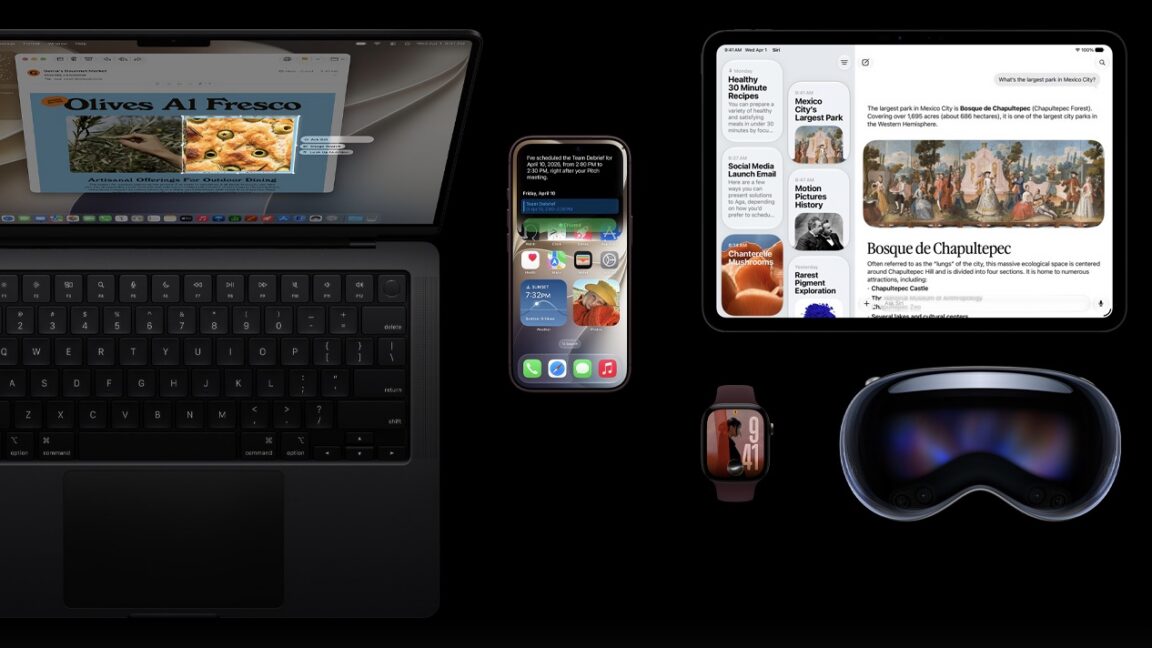
Apple is now rolling out its iOS 27 update to compatible devices today, alongside the watchOS 27, iPadOS 27, and visionOS 27 updates. Siri AI is the headline feature across all four updates, the delayed AI-powered overhaul of the Siri assistant. Siri AI is available as a beta today for English-only devices, and Apple says […]
 The Verge•Tom Warren
 Cea mai nouă14 sept., 19:28
Apple releases iOS 27, macOS Golden Gate 27 with Siri AI and Liquid Glass refinements
This is also the last version of macOS to support Rosetta for Intel apps.
 Ars Technica•Samuel Axon